Text-to-Video
#7
of 48 models
- Score
- 1474 ± 9
- Votes
- 8,001
Updated Sep 21, 2026
View leaderboard
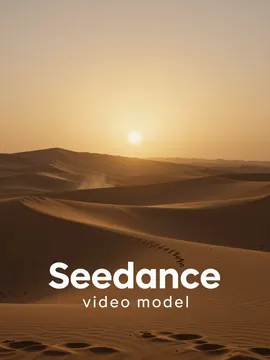
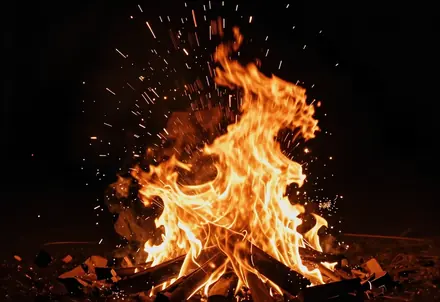
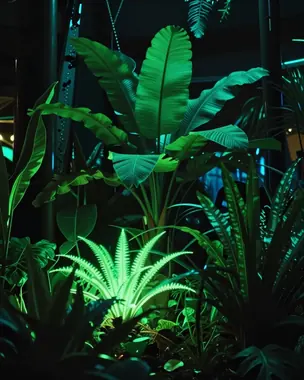
Seedance 2.5 is now the default: turn a prompt, an image, or reference clips into videos up to 30 seconds long with native audio. It ranks in the top 7 on all three Arena video leaderboards — and Seedance 2.0 is one click away.

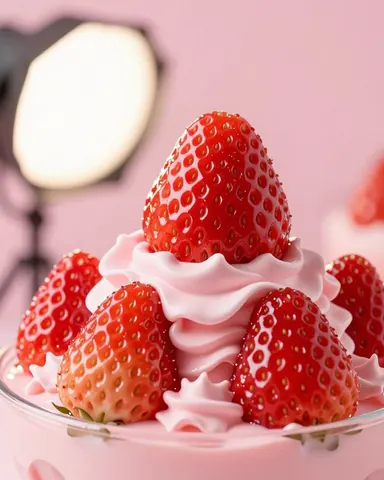
Create a campaign around this image. Use my recent styles and brand imagery as a reference.
Thinking
Planning a 30-second sequence with Seedance 2.5 — matching your reference images, camera moves, and sound.




Arena video leaderboards
Arena ranks video models by blind side-by-side votes from real users. Seedance 2.5 (720p) placed in the top 7 in every video category.
Text-to-Video
#7
of 48 models
Updated Sep 21, 2026
View leaderboardImage-to-Video
#4
of 48 models
Updated Sep 21, 2026
View leaderboardVideo Edit
#2
of 10 models
Updated Aug 26, 2026
View leaderboardSource: Arena (lmarena.ai), entry dreamina-seedance-2.5-720p. Rankings change as new votes arrive.

Reference images and clips keep characters and products consistent across the shot.
Reference images and clips keep characters and products consistent across the shot.
Write the scene, add references, and let Seedance 2.5 handle motion, camera, and sound — so you ship what actually matters.
Used by creators worldwide. Ready for your team.
Three steps from idea to MP4. Seedance 2.0 uses the same workflow.
Open the studio — Seedance 2.5 is selected by default. Choose text-to-video, image-to-video, or video editing.
Describe subject, action, camera, and mood. Optionally add reference images or up to three reference clips, then set length (1–30 s), aspect ratio, and 480p or 720p.
Generate, review the result in your history, and download the MP4. Change one variable at a time to refine.
It’s a browser studio for ByteDance’s Seedance video models. Seedance 2.5 is the default: 1–30 second clips at 480p or 720p from text, images, and reference video, with optional native audio, plus video editing. Seedance 2.0 is available for 5, 10, or 15 second clips up to 1080p. This site is independent and not affiliated with ByteDance.
On Arena’s blind-vote video leaderboards, the dreamina-seedance-2.5-720p entry ranks #7 of 48 in text-to-video and #4 of 48 in image-to-video (updated September 21, 2026), and #2 of 10 in video edit (updated August 26, 2026). Rankings shift as new votes and models arrive.
Use Seedance 2.5 for clips longer than 15 seconds, reference-video guidance, or video editing. Use Seedance 2.0 when you need 1080p output; it covers 5, 10, or 15 second clips. Both models are in the same studio.
Generation uses credits. Check the pricing page for current plans, one-time credit packs, and any free credits available to new accounts.
Seedance 2.5 is billed per second: 28 credits per second at 480p and 63 at 720p, so a 5-second 720p clip costs 315 credits. Clips that use reference video are billed at 17 or 38 credits per second.
Paid plans include commercial use of the videos you generate, subject to our terms and your rights to any images, people, or brands in your inputs.