
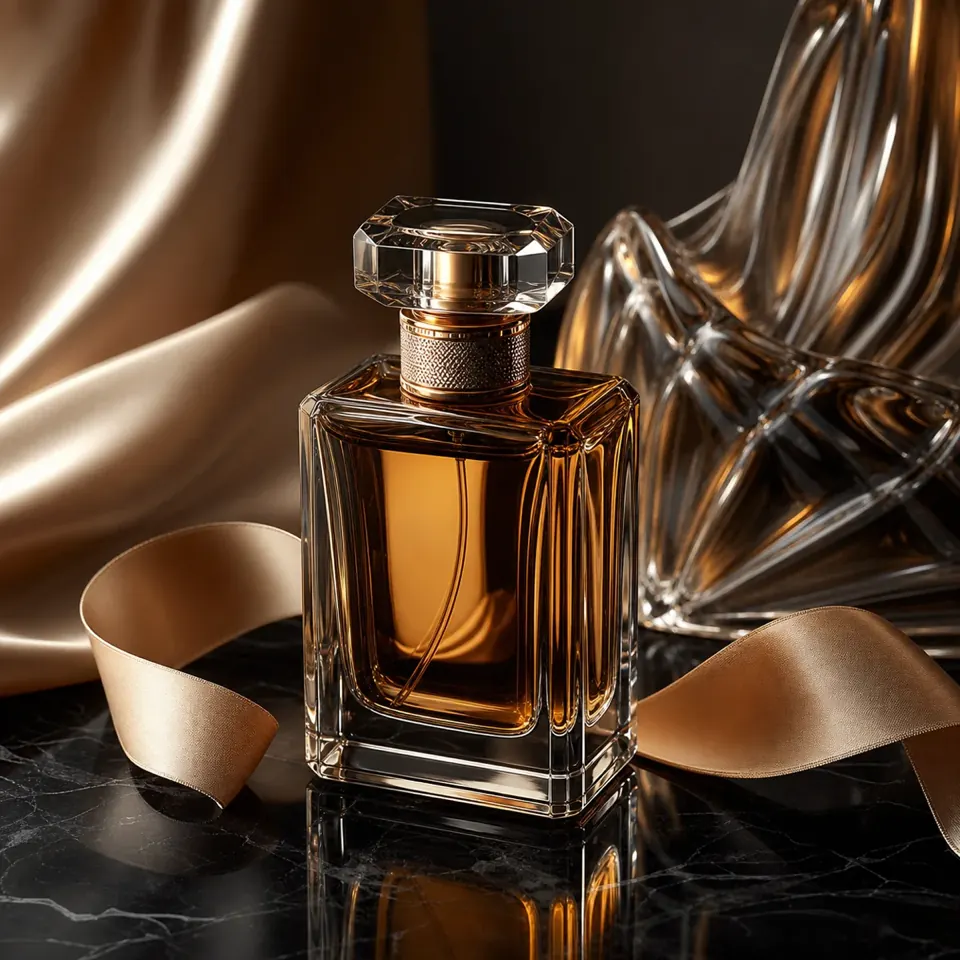
Product & campaign
01Explore materials, light, and negative space for a campaign concept before committing to a shoot.
SEEDANCE AI GPT IMAGE 2.5
Turn a creative brief into product imagery, everyday scenes, and imagined worlds. Shape your next image with GPT Image 2.5 on Seedance AI.
01 / YOUR NEXT IMAGE
Start with an idea, a lighting cue, or an entire scene. Bring your prompt into the studio and make it your own.
View plans & credits02 / Explore inspiration
Explore three creative directions, from a carefully lit product to a world that does not exist yet.
Explore materials, light, and negative space for a campaign concept before committing to a shoot.
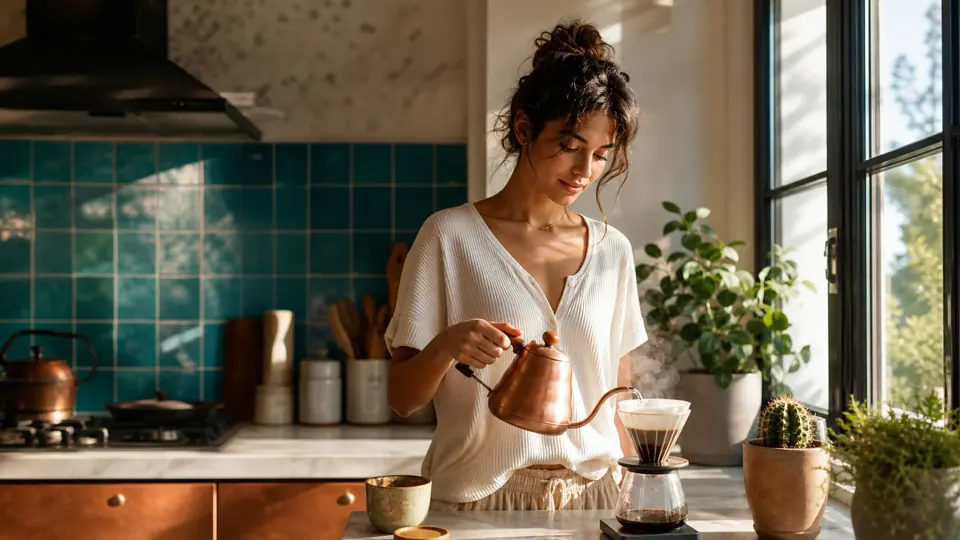
Set the mood with a lived-in scene, a natural palette, and the small details that make an image feel personal.
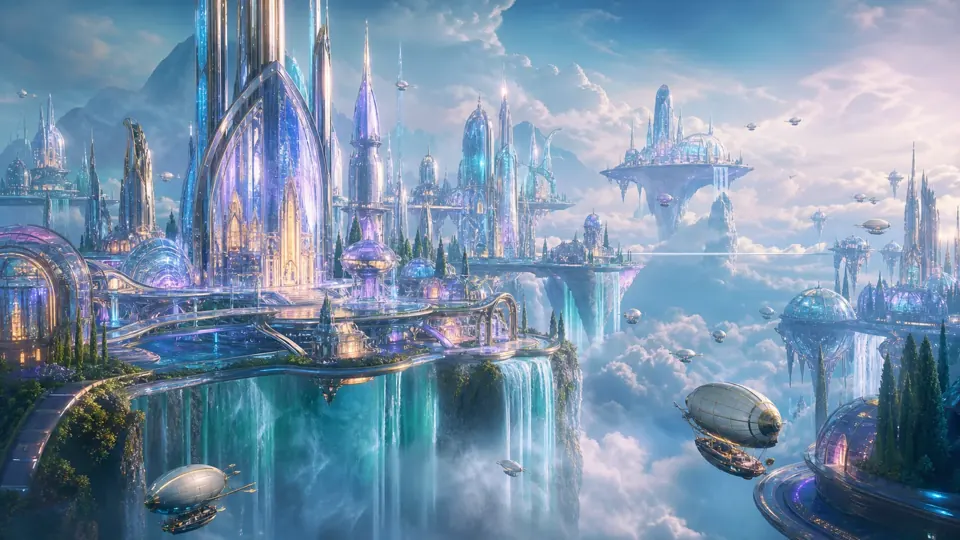
Build an imagined setting with a clear perspective, atmospheric depth, and a distinctive sense of place.
These images come from the shared GPT Image gallery. They illustrate creative directions, not a benchmark or verified outputs of a separate GPT Image 2.5 model.
03 / THE CREATIVE PROCESS
Name the subject, setting, lighting, and composition. Put any desired wording in quotation marks.
Open the studio to choose the available size and format settings. Add a reference image when your project needs one.
Review the result, revise the details, and download your chosen image. Check text and fine details before publishing.
GPT Image 2.5 is the name of a selectable image-generation option on this site. It currently shares the GPT Image 2.0 generation pipeline. This page does not claim an independently verified model release or official OpenAI affiliation.
Yes. Start with a text prompt, or add a reference image in the studio. Describe what should change and what should stay the same, then review the output against your original.
Generation uses account credits. Check your balance, the displayed generation cost, and the pricing page before submitting a task. This page does not promise unlimited free generation.
Specify the subject, background, lighting, viewpoint, and intended use. For a product visual, describe its material and leave space for a headline. Refine one variable at a time to compare results.
GPT IMAGE 2.5