
Seedance 2.0 vs Veo 3.1: Which AI Video Generator Should You Use? (2026)
Complete comparison of Seedance 2.0 and Google's Veo 3.1 — from video quality and motion realism to pricing and accessibility. Find out which AI video generator is right for you.
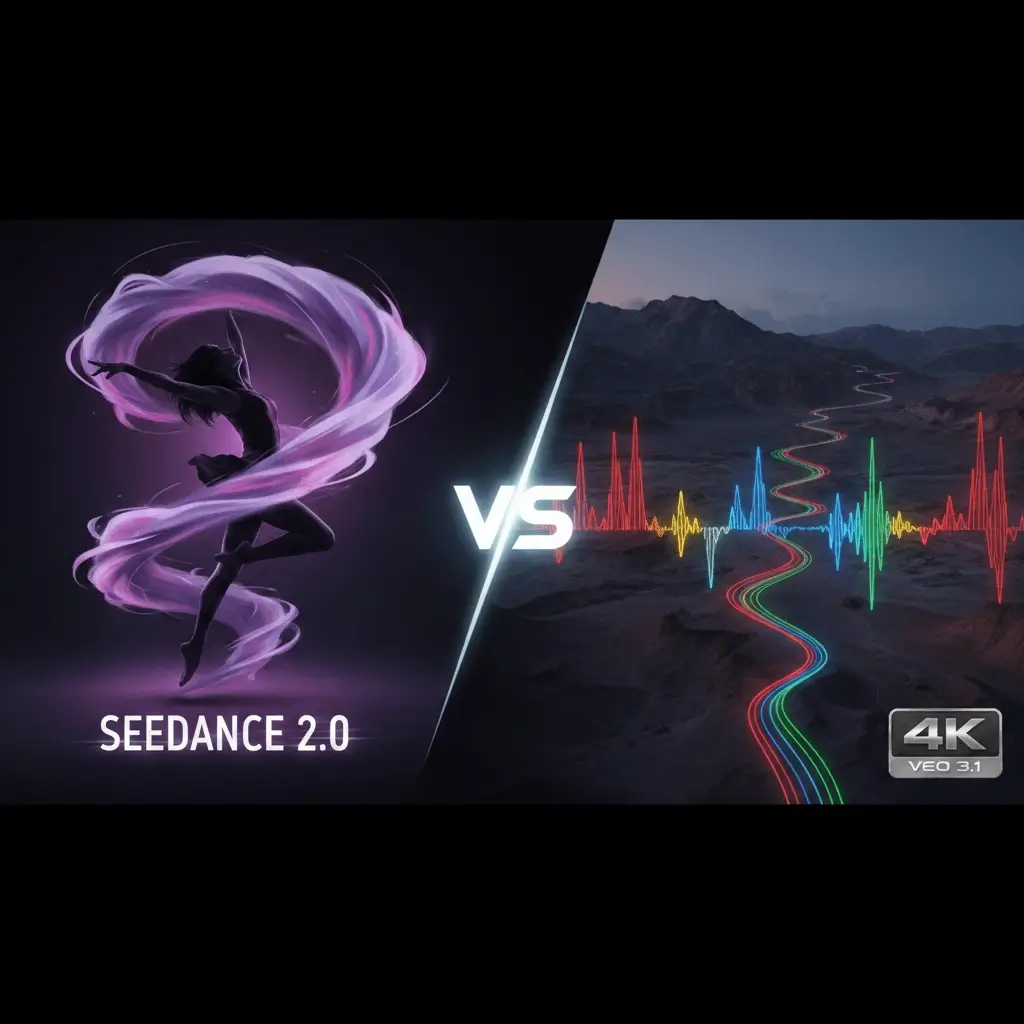
ByteDance’s dance-motion specialist vs Google’s cinematic powerhouse — an honest comparison for creators.
Seedance 2.0 vs Veo 3.1: The Full Breakdown
Google’s Veo 3.1 represents the tech giant’s latest push into AI video generation, while ByteDance’s Seedance 2.0 has carved out a dominant position in human motion and dance video generation. Both are top-tier models, but they take fundamentally different approaches to video creation.
Here’s how they compare across every dimension that matters to creators.
Video Quality & Specialization
Seedance 2.0: The Motion Specialist
Seedance 2.0 is purpose-built for human-centric video content:
- Unmatched dance realism — the most natural-looking AI-generated choreography available
- Body mechanics mastery — understands weight, balance, momentum, and joint articulation
- Cloth and hair physics — flowing fabrics and hair respond realistically to movement
- Facial micro-expressions — captures subtle emotions that match movement energy
- Finger and hand rendering — one of the few models that consistently gets hands right
Veo 3.1: The Cinematic Generalist
Veo 3.1 leverages Google’s massive compute and data advantages:
- Photorealistic rendering — exceptional visual fidelity in static and slow-motion scenes
- Audio generation — integrated sound effects and ambient audio (unique feature)
- Scene understanding — strong spatial awareness and 3D consistency
- Style versatility — handles everything from photorealism to animation styles
- Long coherence — maintains visual consistency across longer clips
Verdict: Video Quality
Seedance 2.0 wins for human motion. If your content involves people dancing, moving, or performing, Seedance 2.0 is unbeatable. Veo 3.1 wins for cinematic realism and is particularly impressive when paired with its audio generation capabilities.
Features Side-by-Side
| Feature | Seedance 2.0 | Veo 3.1 |
|---|---|---|
| Text-to-Video | ✅ | ✅ |
| Image-to-Video | ✅ | ✅ |
| Audio Generation | ❌ | ✅ |
| Max Resolution | 1080p | 4K |
| Max Duration | 5–15 seconds | 8–15 seconds |
| Human Motion Quality | ⭐⭐⭐⭐⭐ | ⭐⭐⭐ |
| Cinematic Quality | ⭐⭐⭐⭐ | ⭐⭐⭐⭐⭐ |
| Free Access | ✅ No signup | ❌ Google AI account |
| API Access | ✅ | ✅ (Vertex AI) |
| Generation Speed | 30–90 seconds | 60–180 seconds |
| Worldwide Access | ✅ | Limited regions |
Accessibility: Night and Day Difference
Seedance 2.0
Getting started is effortless:
- No account needed — generate videos immediately as a guest
- Free credits — start creating without any payment
- Works everywhere — any browser, any device, any country
- Clean interface — intuitive controls for beginners and pros
- Instant download — save your videos with one click
Veo 3.1
Google’s approach adds friction:
- Google account required — must sign in through Google AI Studio or Vertex AI
- Waitlist possible — access has historically been gated
- Region restrictions — not available in all countries
- Complex ecosystem — split between consumer (Google AI Studio) and enterprise (Vertex AI) products
- Pricing opacity — enterprise pricing not always transparent
Verdict: Accessibility
Seedance 2.0 wins by a wide margin. No signup, no waitlist, no region blocks — just open the browser and start creating.
Audio: Veo 3.1’s Unique Advantage
One area where Veo 3.1 stands out is its integrated audio generation. Veo 3.1 can generate:
- Ambient sound effects matching the scene
- Dialogue and speech synced to character lip movements
- Background music that matches the mood
Seedance 2.0 does not currently generate audio — you’ll need to add music and sound effects separately. However, for social media content (TikTok, Reels), creators typically add their own trending audio anyway, which neutralizes this advantage in practice.
Pricing Comparison
Seedance 2.0
- Free to start — guest credits, no strings attached
- Credit-based — buy only what you need
- No subscription required — flexible pay-as-you-go
- Transparent pricing — clear cost per generation
Veo 3.1
- Google AI Studio — limited free tier, then usage-based billing
- Vertex AI — enterprise pricing, can be expensive for individual creators
- Per-second billing — costs scale with video length and resolution
- 4K premium — higher resolution outputs cost more
Verdict: Pricing
Seedance 2.0 wins for individual creators and small teams. Veo 3.1’s pricing through Vertex AI can quickly become expensive, while Google AI Studio’s free tier is limited.
Real-World Performance Testing
We tested both models across 40 prompts in four categories:
Dance & Human Motion (10 prompts)
- Seedance 2.0: 9/10 produced natural, fluid movement
- Veo 3.1: 6/10 had noticeable motion artifacts
Cinematic Scenes (10 prompts)
- Seedance 2.0: 7/10 visually impressive
- Veo 3.1: 9/10 photorealistic quality
Creative/Artistic (10 prompts)
- Seedance 2.0: 8/10 good creative interpretation
- Veo 3.1: 8/10 strong style versatility
Speed (average generation time)
- Seedance 2.0: 48 seconds average
- Veo 3.1: 95 seconds average
Best Use Cases
Choose Seedance 2.0 If You Need:
- Dance, choreography, or human performance content
- Quick social media video creation (TikTok, Reels, Shorts)
- Instant access without signup or payment barriers
- Budget-friendly content production
- Reliable, fast generation without queues
- Character animation and motion-focused content
Choose Veo 3.1 If You Need:
- Videos with integrated audio and sound effects
- 4K ultra-high-resolution output
- Cinematic, photorealistic scene generation
- Enterprise-grade integration via Google Cloud
- Complex scene composition with spatial accuracy
- Narrative-driven video content
FAQ
Is Seedance 2.0 really free? Yes — you get free guest credits without creating an account. No credit card required. Additional credits are available at affordable prices.
Can Veo 3.1 match Seedance 2.0’s dance quality? Not currently. Seedance 2.0 was specifically trained for human motion and dance, giving it a significant edge in this domain. Veo 3.1 is more of a general-purpose model.
Does Veo 3.1’s audio generation work well? It’s impressive for ambient sounds and basic dialogue. However, for music-driven content (which most dance videos are), creators typically add their own audio tracks anyway.
Which is better for commercial use? Both allow commercial use. Seedance 2.0 is more cost-effective for high-volume content creation, while Veo 3.1 through Vertex AI caters to enterprise workflows.
Can I use both in my workflow? Absolutely. Many creators use Seedance 2.0 for human motion clips and Veo 3.1 for environmental B-roll, combining the strengths of both.
Which has fewer content restrictions? Seedance 2.0 has a balanced content policy that allows most creative prompts. Veo 3.1 follows Google’s content safety guidelines which can be more restrictive in certain categories.
Conclusion
Seedance 2.0 and Veo 3.1 excel in different areas:
-
Seedance 2.0 dominates in human motion, dance, and character animation. It offers unbeatable accessibility (no signup, free credits) and the fastest generation times. It’s the clear choice for social media creators and anyone focused on human-centric content.
-
Veo 3.1 excels in cinematic realism, 4K output, and its unique audio generation capability. It’s the better choice for production studios and enterprise users who need Google Cloud integration.
For content creators, social media managers, and anyone making videos featuring human movement — Seedance 2.0 delivers better results at a fraction of the cost and complexity.
Start creating now: Visit seedance-2-ai.com to generate your first AI dance video for free — no signup required.